Zentro Identity
AvailableSingle sign-on over OpenID Connect, multi-factor authentication, corporate directories, roles and audit.


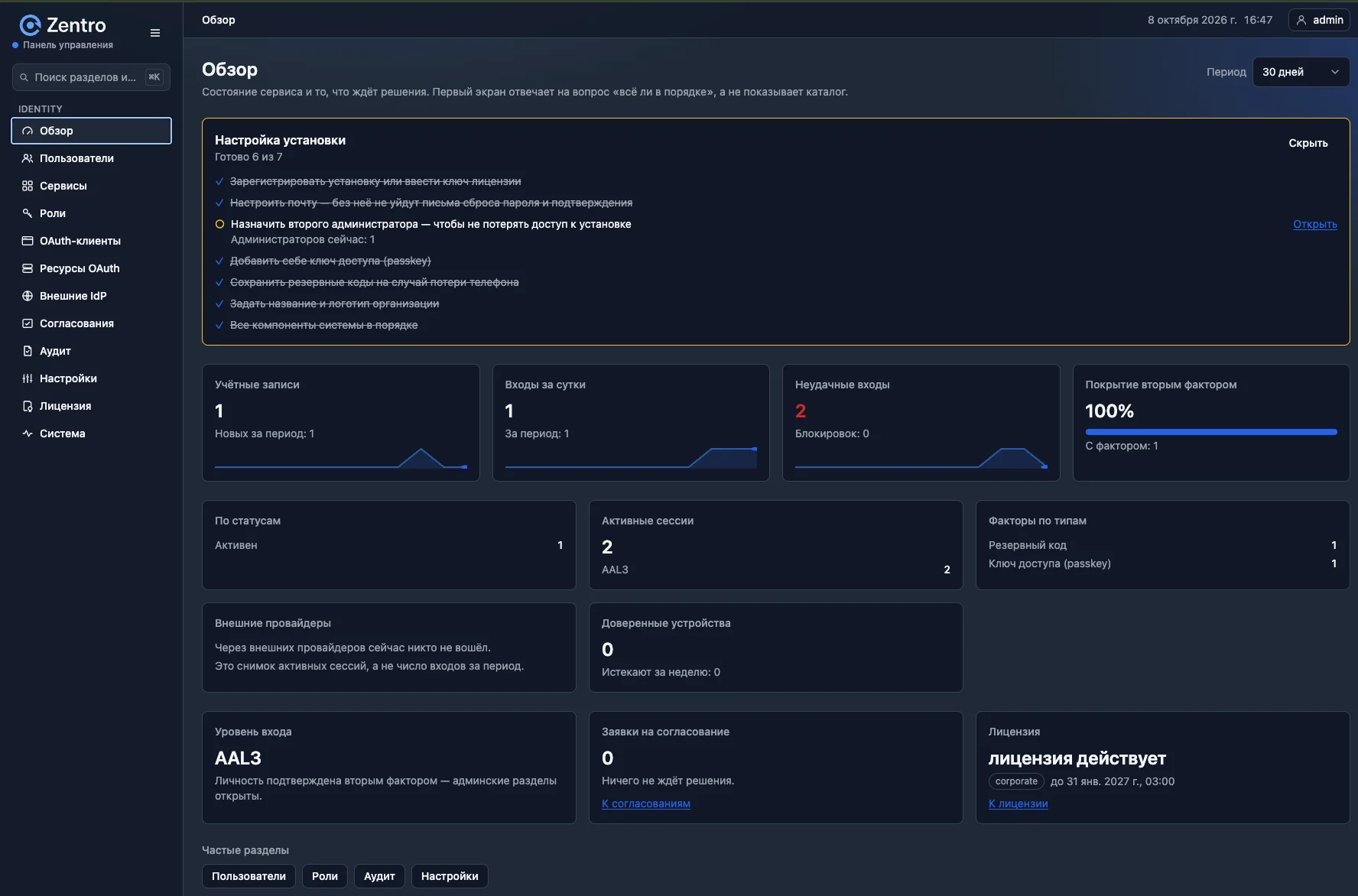
Zentro Identity is a single sign-on (SSO) service over OpenID Connect with multi-factor authentication. You install it on your own servers: accounts, sessions and the audit log are kept in your database.
Single sign-on over OpenID Connect, multi-factor authentication, corporate directories, roles and audit.
Storing your company structure and customers in one place. A multi-purpose product, expected in summer 2027.
An employee signs in once and then opens the organization's applications without a password. Signing out of Zentro can end sessions in connected applications too.
In the docs →Authenticator-app codes, backup codes and passkeys (Business plan and above). Before risky operations Zentro asks to confirm identity without interrupting the session.
In the docs →Sign in with a work login through Active Directory, LDAP, Keycloak or a corporate OIDC provider. The account in Zentro can be created at first sign-in.
In the docs →Built-in and custom roles, time-limited assignments.
In the docs →A wizard connects a whole service: roles, applications and APIs, with a preliminary check. Applications without SSO support are protected by Zentro sign-in through a gateway.
In the docs →Who did what and when: search by account, operation, IP and period. The log is append-only: entries cannot be changed, and old ones are removed only after the retention period set in the settings.
In the docs →Download the distribution to your server.
Run Zentro Identity in Docker, Docker Compose, Docker Swarm or on a virtual machine (VM).
Register applications in the admin panel or connect a whole service with the wizard.
Zentro Identity connects to any application that supports OpenID Connect (Authorization Code + PKCE S256), and employees sign in with their work login from the corporate directory. Step-by-step guides are available for popular systems.
Product names belong to their respective owners.
Zentro Identity runs on your servers: accounts, sessions and the audit log are kept in your database. Keys can be held in an external secrets store, and logins and emails are stored in the database in encrypted form.
By default the admin panel does not open without a second factor. Before risky operations Zentro asks to confirm identity again without interrupting the session.
In a production installation the service can only append entries: database permissions do not allow changing them. In the Enterprise plan, entries are linked by a hash chain and integrity is verified in the panel.
Your administrator updates and rolls back the version: the vendor changes nothing remotely in your installation. A database backup is made before each update.
Start with the server requirements and the installation guide. If you need help choosing a configuration or a license, write to us.